🚀 MeshMapper Update (March 20, 2026)
🌐 Server & Map
✨ New Features
-
In-House MQTT Server — The MeshMapper MQTT server is live! While MeshMapper can still use the letsmesh MQTT servers, having an in-house MQTT server provides a failsafe in case letsmesh goes down, or regions don't wish to use letsmesh. Information on the MQTT server can be found on the wiki..
-
Observers Admin — Region administrators now have visibility into the observers feeding data into their region. Admins can see contribution counts as well as mute notifications (for when a companion has stopped reporting).
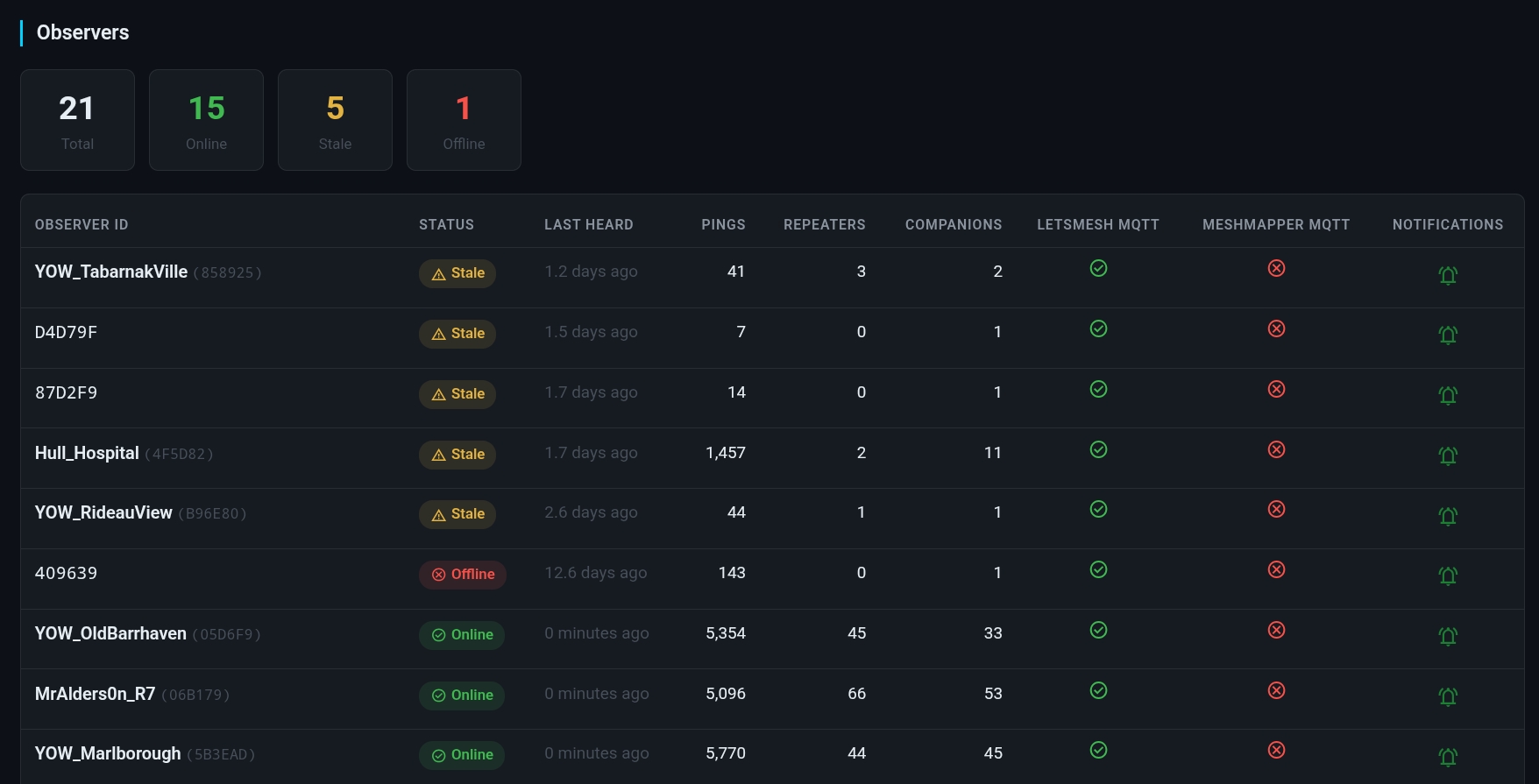
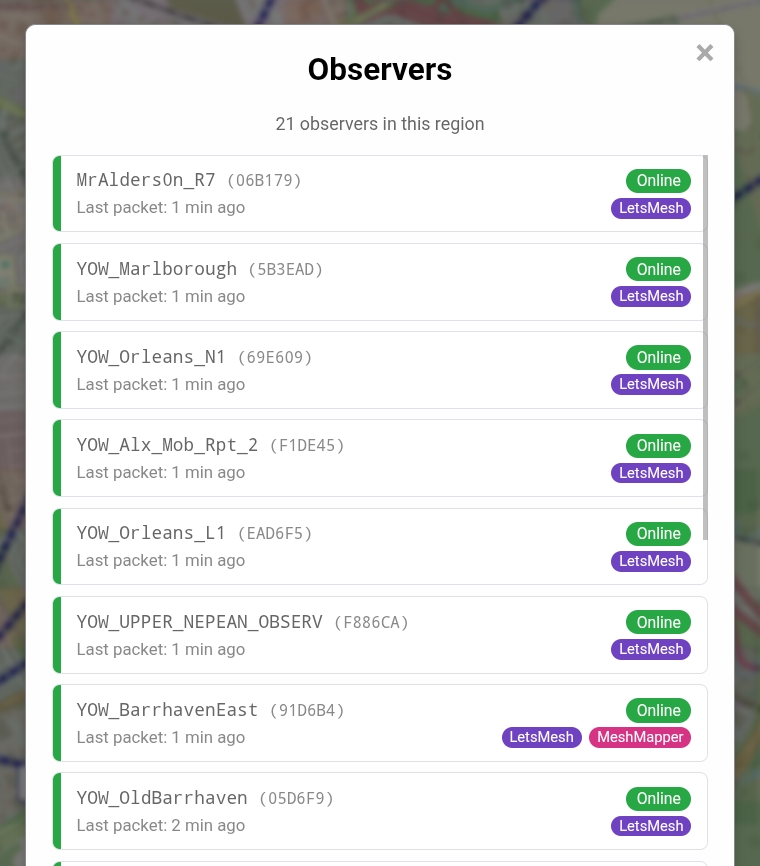
- Observers List — A list of a regions observers is now available from within the "Region Info" -> "Observers" menu.
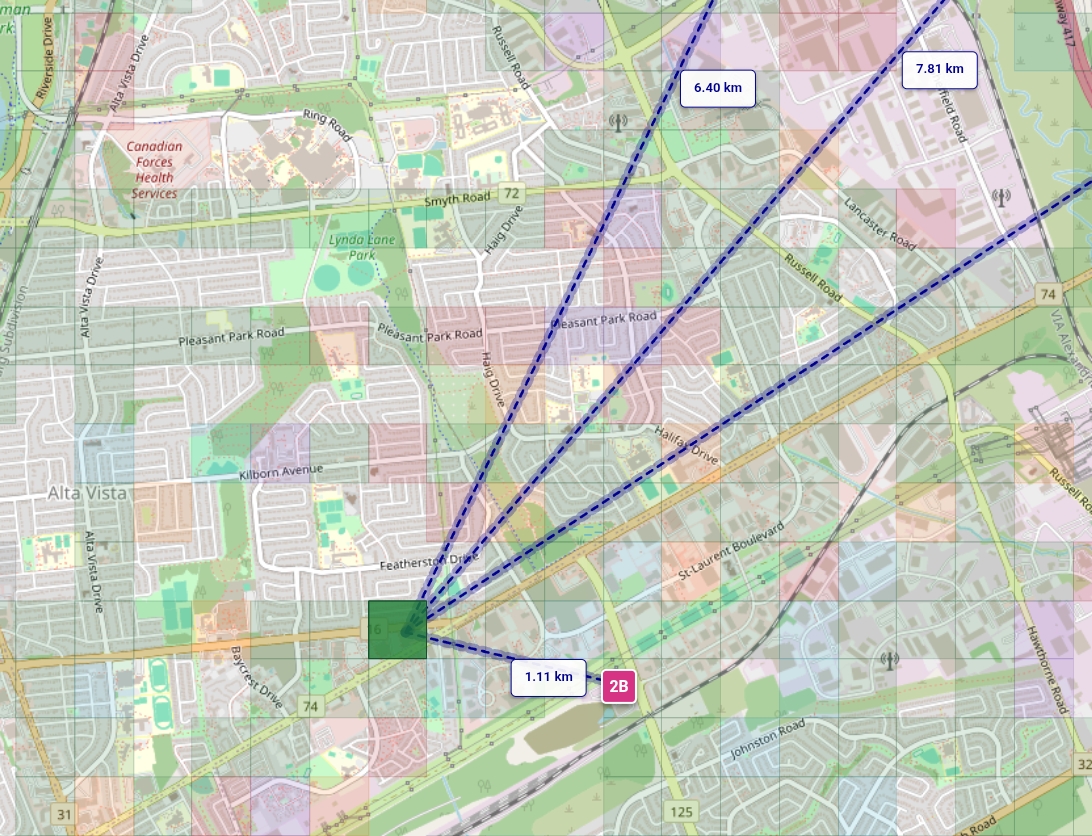
- Default Ping View — The default view when first selecting a ping will show lines drawn to all repeaters involved with that grid square, across all pings, offering a snapshot view into which repeaters provide coverage to an area. (Thanks @danmur15)
- Map Names — Maps will now display the IATA and name of the region. (Thanks @Vgo)

-
Map Embedding — Lightweight region maps can now be embedded externally. Various configuration parameters are available to fine-tune display. See the wiki article for details.
-
Repeater List Embedding — The grid view of 1-byte repeater ID's in current use is now available to be embedded. See the wiki article for details.
-
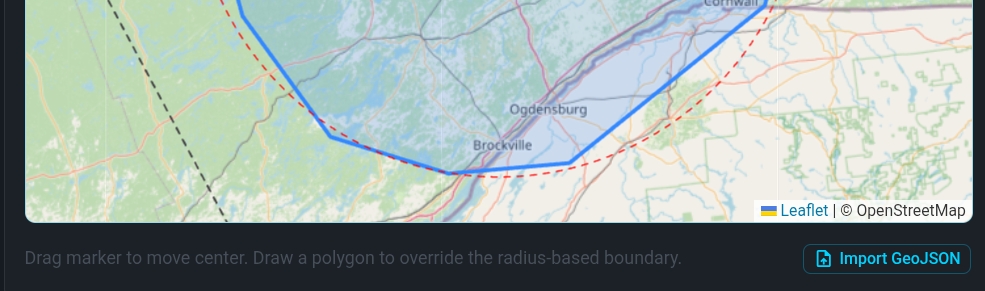
GeoJSON Import — Regions now have the ability to define their boundries via GeoJSON import from the admin panel, or during onboarding. (Thanks @davidjay @clauwn)
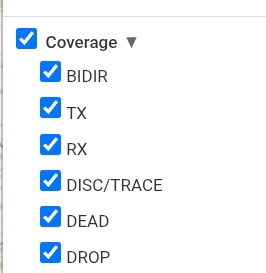
- Coverage Layer Grouping — Coverage layers (BIDIR, TX, RX, etc.) on the map are now grouped into a nested "Coverage" option, allowing for quick enable/disable of all coverage. (Thanks @Nathan AI7NC)
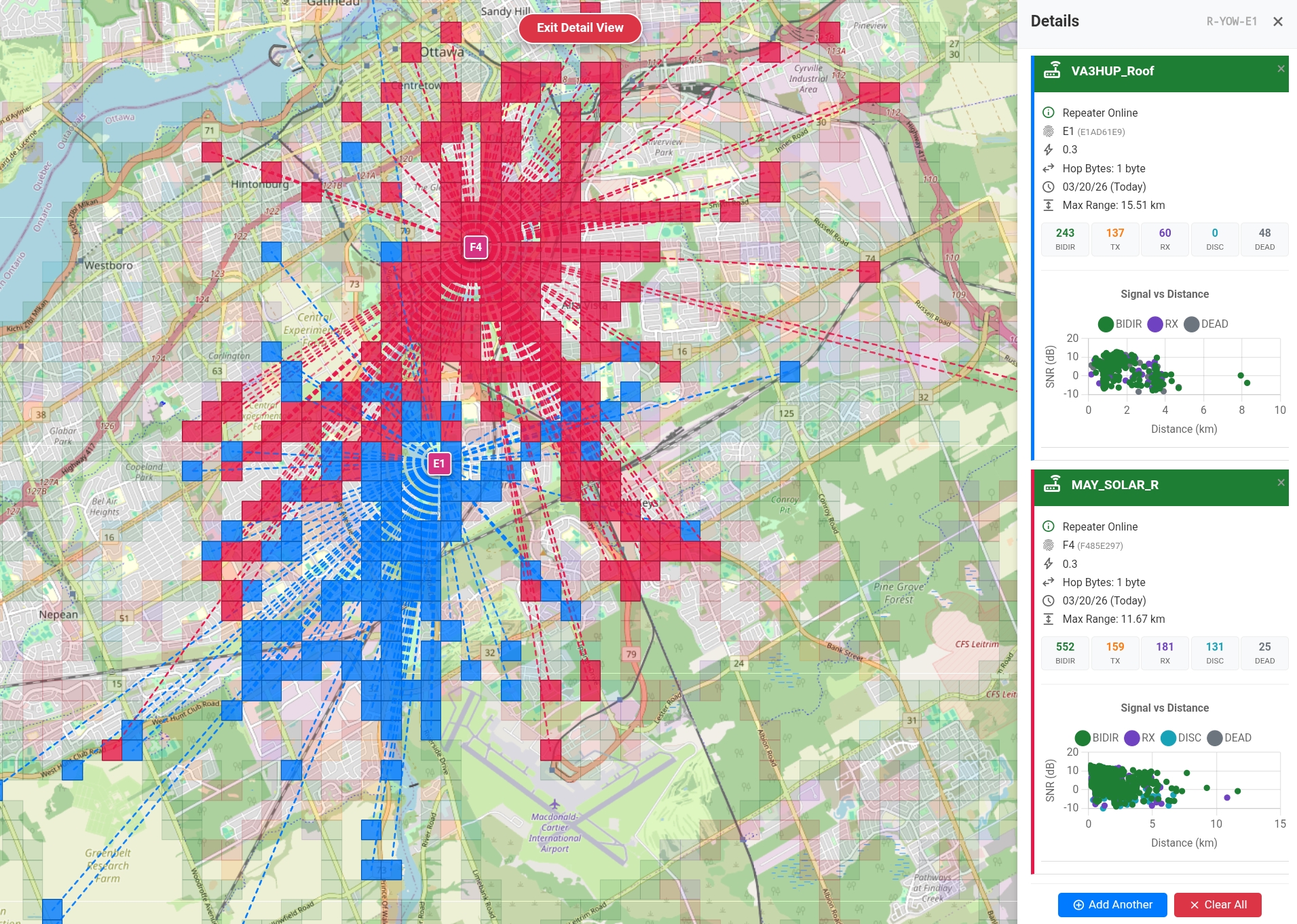
- Compare Repeaters — Clicking the "Add Another" button while selected on a repeater will allow you to add any number of other repeaters to compare coverage against, with each representing as their own colour.
-
API Access — MeshMapper now offers a Coverage API to allow regions to display coverage data on top of their existing tools. Information on response format and how to obtain an API key is available on the wiki.
-
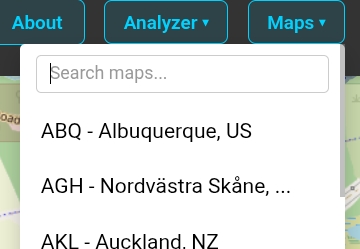
Map Search — As MeshMapper continues to expand, it's becoming more tedious to scroll the list of maps. A search bar has been added.
- Packet Analyzer — MeshMapper now has a built-in packet analyzer! Live and historical data is available. Watch and analyze data from your region in real-time and visualize message paths! Available from the "Analyzer" button on a regions map. Expanded functionality (such as dashboards) is coming in the near future.
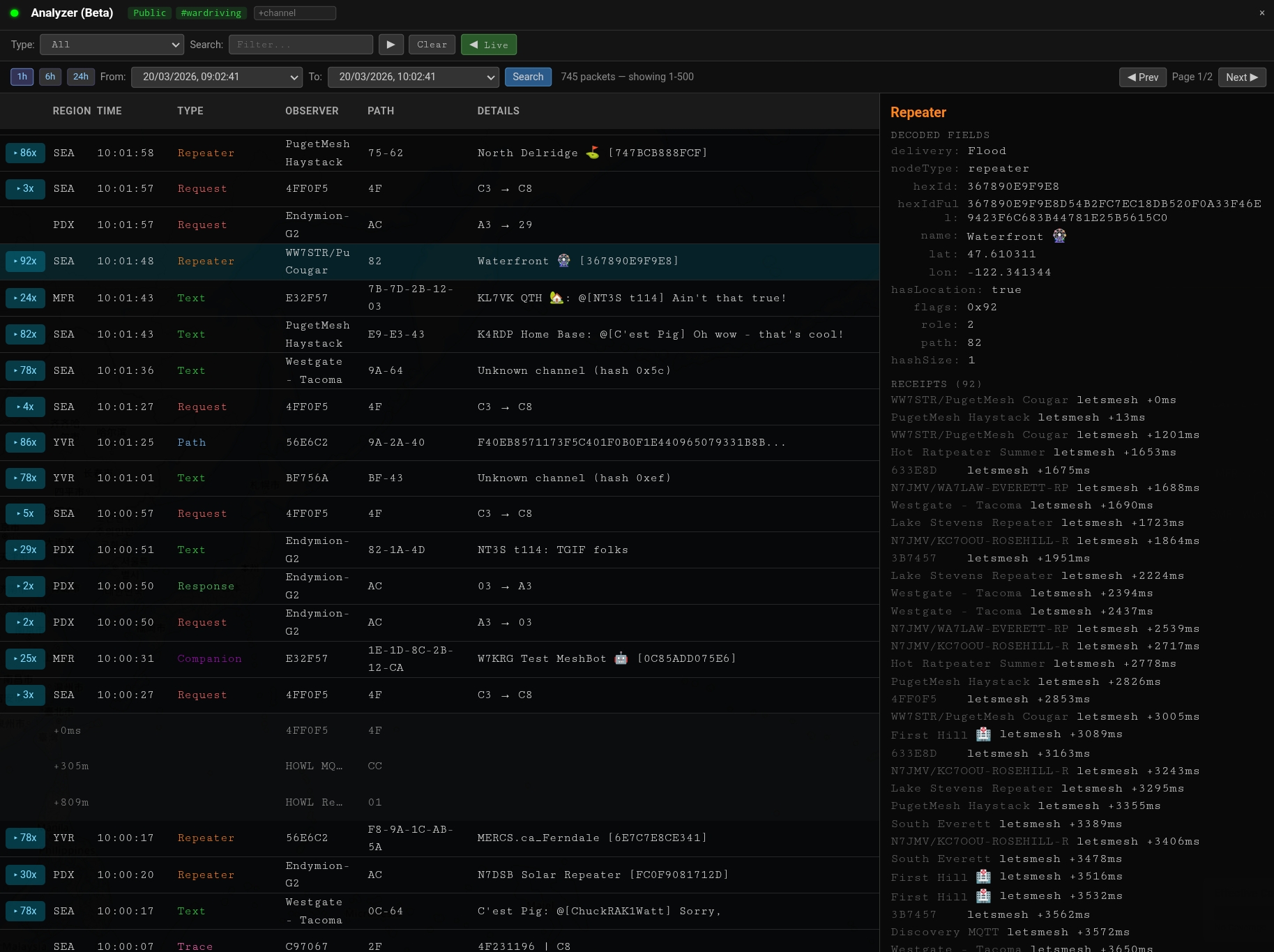
The packet analyzer is currently in beta! This means that bugs are still being worked out, UI changes are being made, and all intended functionality is not yet complete. The packet analyzer is currently seat limited and offers minimal historical data while we watch the impact on server load and database reliability.
🔮 Looking Ahead
- Repeater Neighbours refinement and management tools.
- Display of a repeaters age on the map.
- Longest distance per companion stats.
- User portals.
- Webhook configuration for notifications.