🚀 MeshMapper Update (March 25, 2026)
🌐 Server & Map
✨ New Features
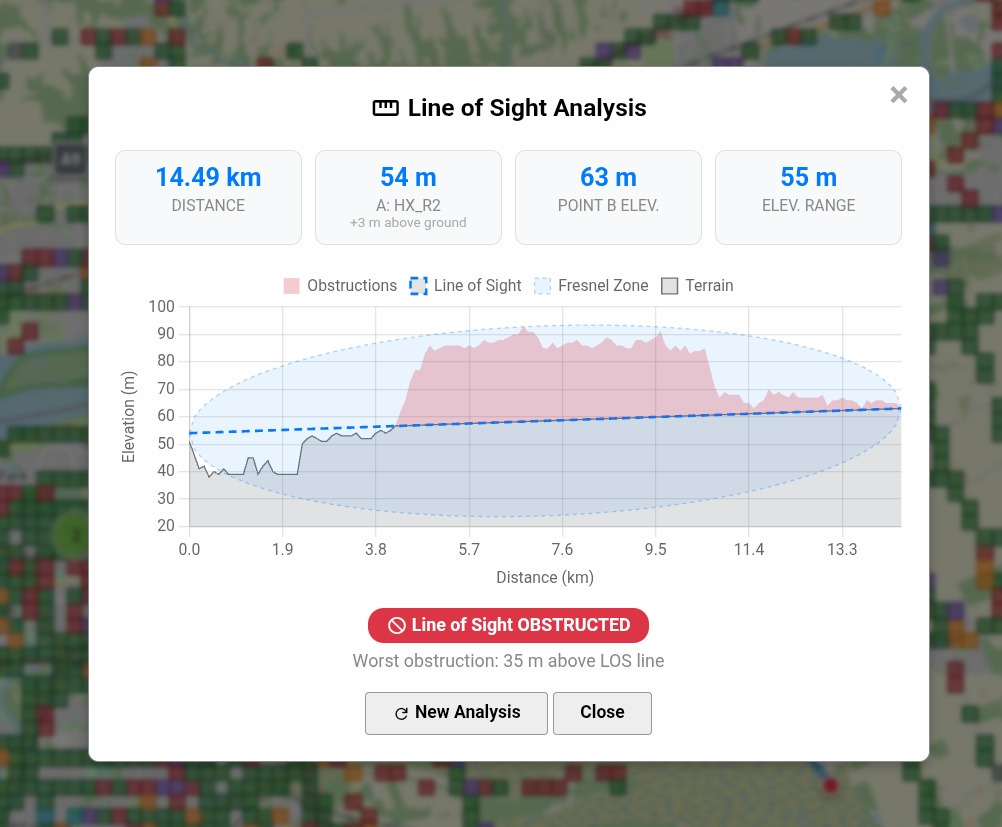
- Line of Sight Tool — A new Line of Sight tool is available from the Tools button, allowing users to check terrain clearance between two points on the map. Click to place two points (or click on repeaters) and MeshMapper will fetch the elevation profile and show whether the path is clear or obstructed. When selected on a repeater as one of the points, users can adjust the repeaters elevation off the ground for more accurate results.
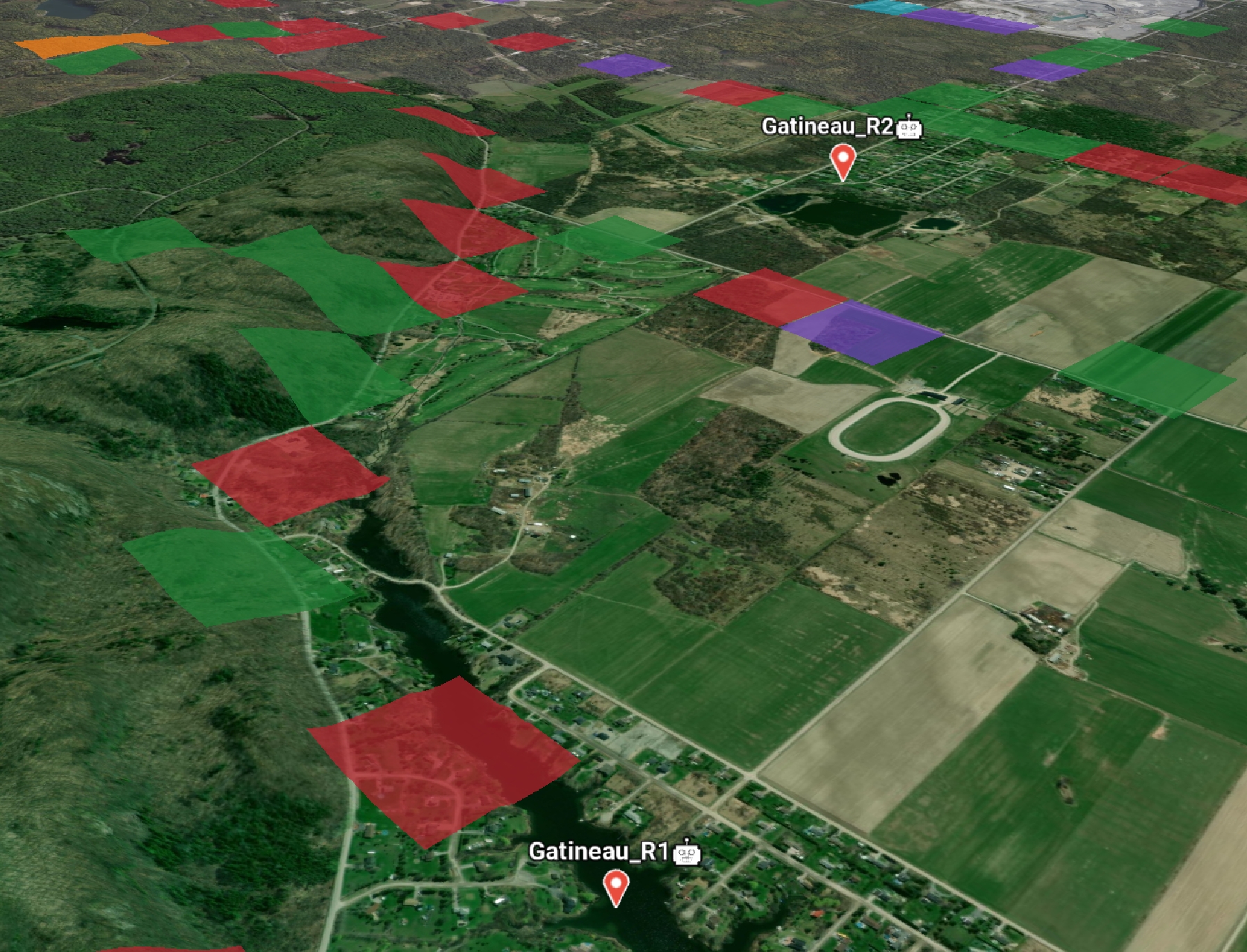
- View in 3D (Beta) — Region maps can now be viewed in 3D! Available from the Map Mode section of the layers control, this opens a 3D globe view centered on the current map position with coverage data overlaid on terrain. This feature is in beta.
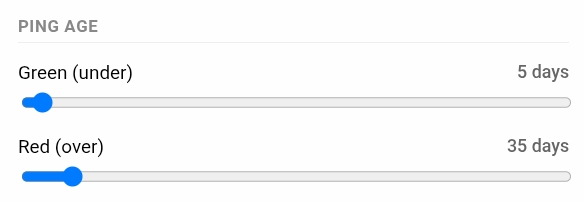
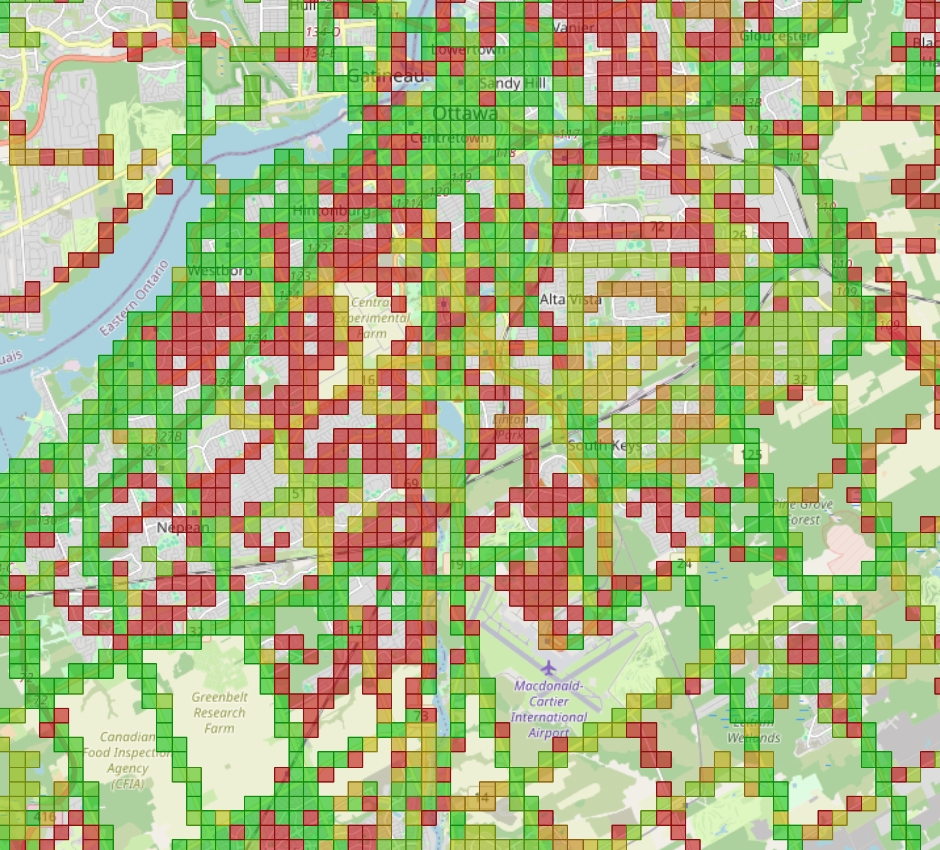
- Ping Age Coverage Layer — A new "Ping Age" coverage mode has been added, colour-coding grid squares based on how recently they were last pinged. Green and red thresholds are adjustable from the Settings panel, making it easy to identify stale coverage areas that may need remapping. (Thanks danmur15)
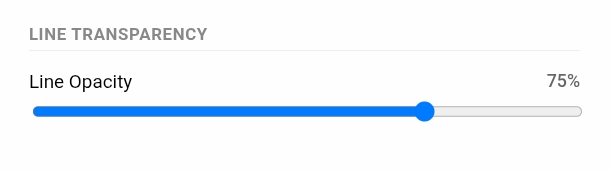
- Adjustable Line Transparency — All lines drawn on the map (repeater neighbours, repeater-to-grid-square, ping-to-repeater, etc.) can now have their opacity adjusted from the Settings panel. (Thanks ccw)
- Packet Analyzer — The packet analyzer can now be opened in a new tab for a full-screen experience.
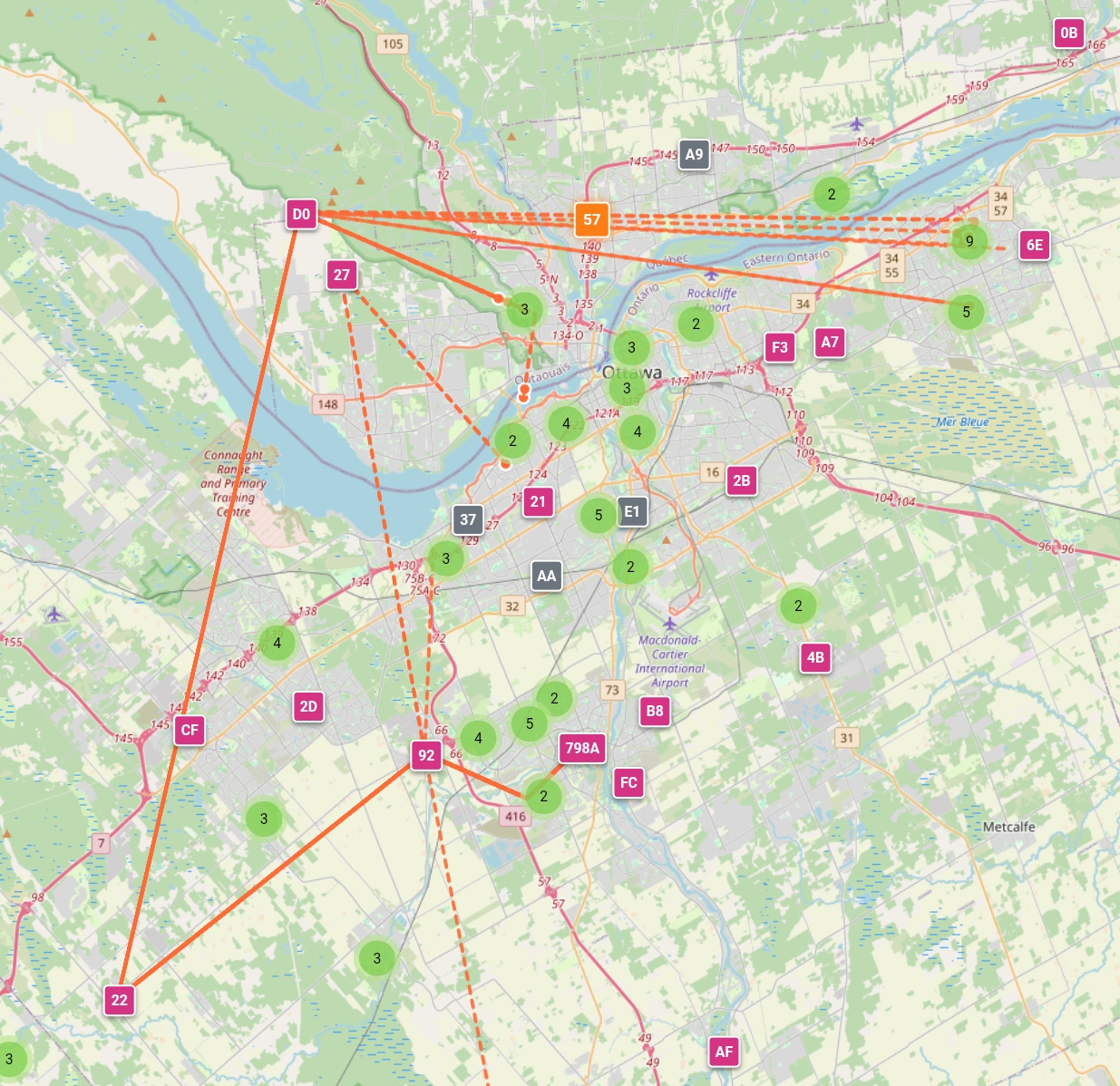
- Live Packets Visualization — Now view a live visualization of how packets are moving through a regions repeaters! Access it through the "Visualize Live" button on the Packet Analyzer.
-
Maps Organized by Country — The map listing is now organized by country, making it easier to find regions as MeshMapper continues to grow.
-
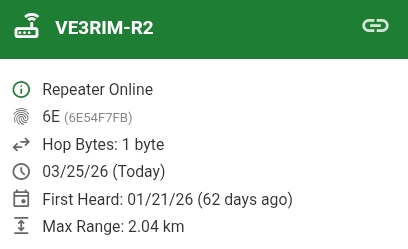
Repeater First Heard Date — Repeater sidebar/popups now display the date a repeater was first heard. (Thanks badideajojo)
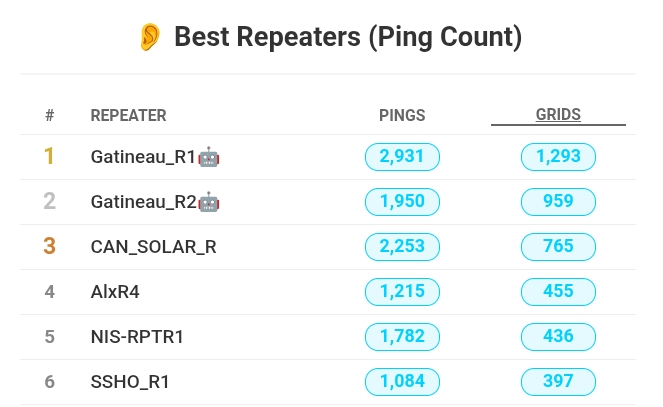
- Unique Grid Squares on Leaderboard — The Best Repeaters Ping Count leaderboard now includes unique grid square counts alongside total ping counts. Clicking on the headers will sort accordingly.
-
Manual Repeater Hop Bytes — When manually adding a repeater in the admin panel, administrators can now define the hop byte length for the repeater.
-
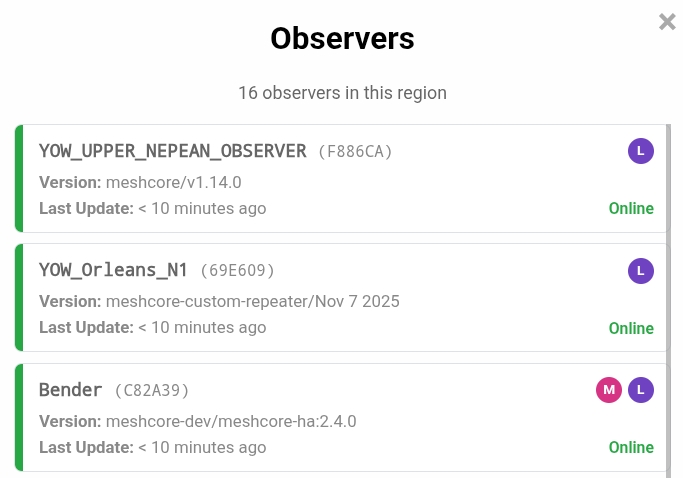
Observer Version & Last Heard — The observers page on the map now displays each observer's version number and last heard time.
-
Remove Old Observers — Administrators can now remove stale or inactive observers from the admin panel.
-
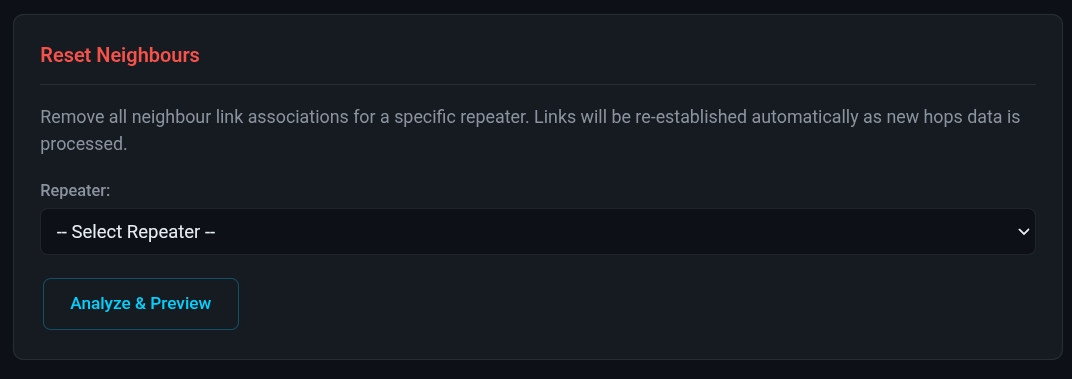
Neighbours Cleanup Tool — A new cleanup tool in the admin panel allows administrators to reset the neighbours list for any repeater in the region.
-
Automatic Neighbour Cleanup — Neighbour associations now display as green if logged in the past 3 days or less, orange if logged in the last 4 to 7 days, and are automatically removed if over 7 days old.
-
Multi-Byte Repeater Neighbours — The Repeater Neighbours layer and logic now fully support multi-byte repeater identification.
-
Collision Recalculation on Byte Mode Change — Changing a region's byte mode now automatically recalculates repeater collisions and updates repeater status accordingly. (Thanks ded)
🐛 Bug Fixes
-
Fixed an issue where admins would receive an HTTP 500 error after their admin session expired instead of being redirected to login. (Thanks Zeva)
-
Fixed an issue where multiregion maps would run out of memory on load.
-
Fixed an issue where deleting a repeater in the admin panel was not byte-aware, which could result in deleting multiple repeaters sharing the same ID prefix. (Thanks Lbibass)